
Hardware Specifications
| Vendor/Brand | Zyxel |
| Model | PM7300-T0 |
| Chipset | MediaTek/EcoNet EN7580 |
| Flash | 128 MiB SPI NAND (Macronix MXIC35LF1G) |
| RAM | 256 MiB |
| 10GBaseT | ✅ 1 × |
| Optics | SC/APC |
| IP address | 192.168.0.1/24 |
| Web Gui | ✅ port 80/443 |
| SSH | ✅ port 22 |
| Telnet | ✅ port 23 |
| FTP | ✅ port 21 |
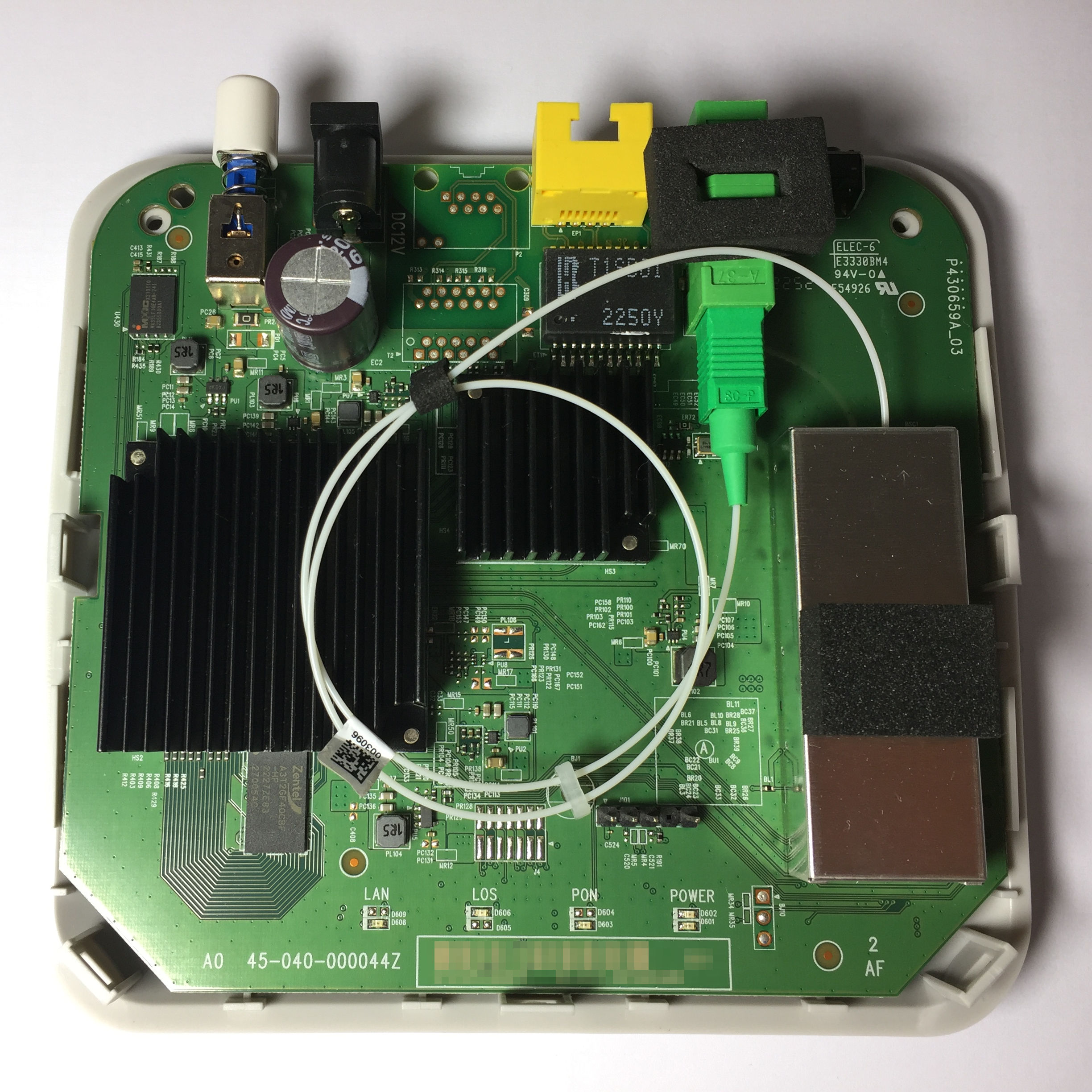
| Serial | ✅ (TTL 3.3V @ 115200,8n1) |
| Form Factor | ONT |
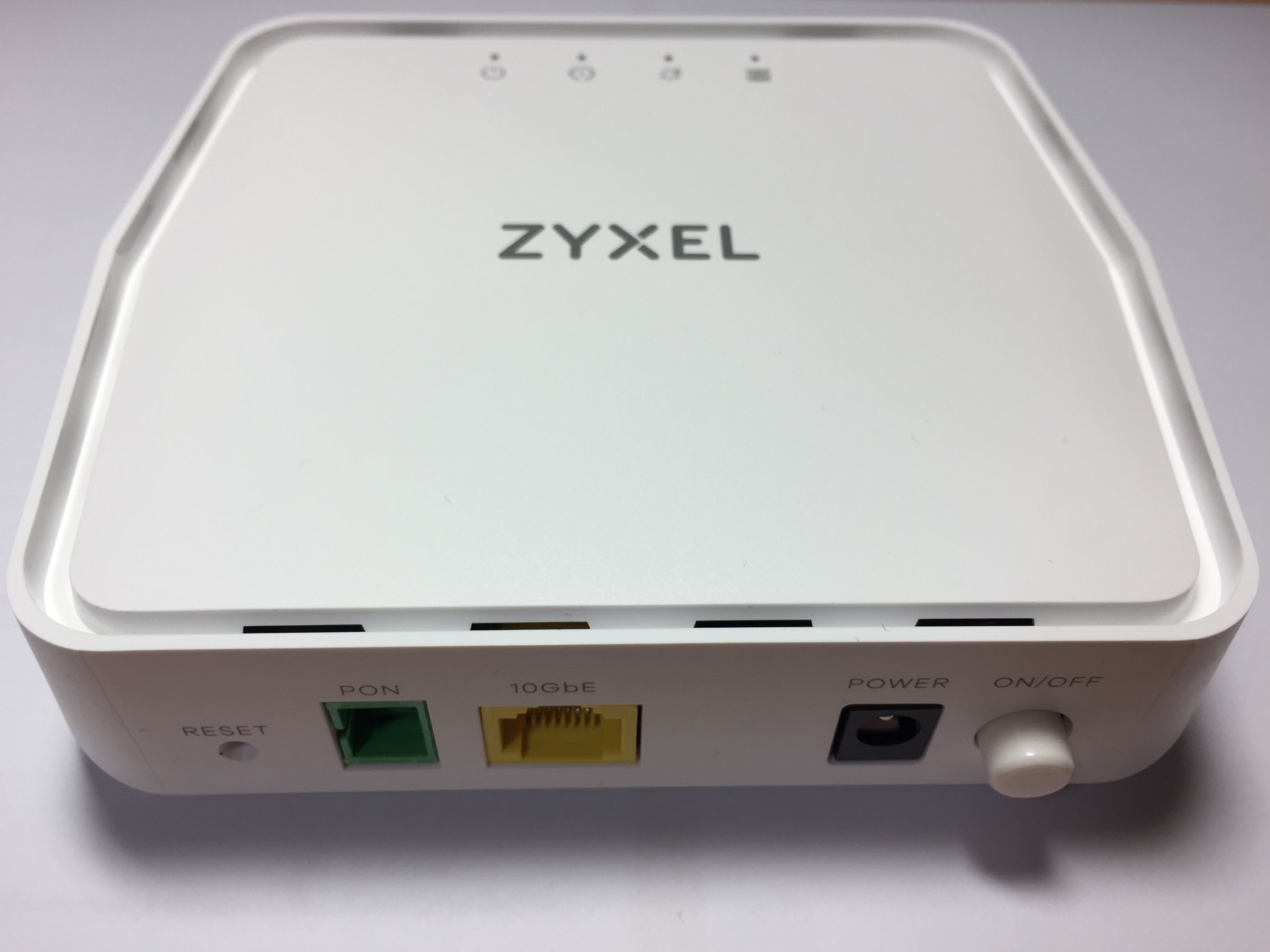
Tear down
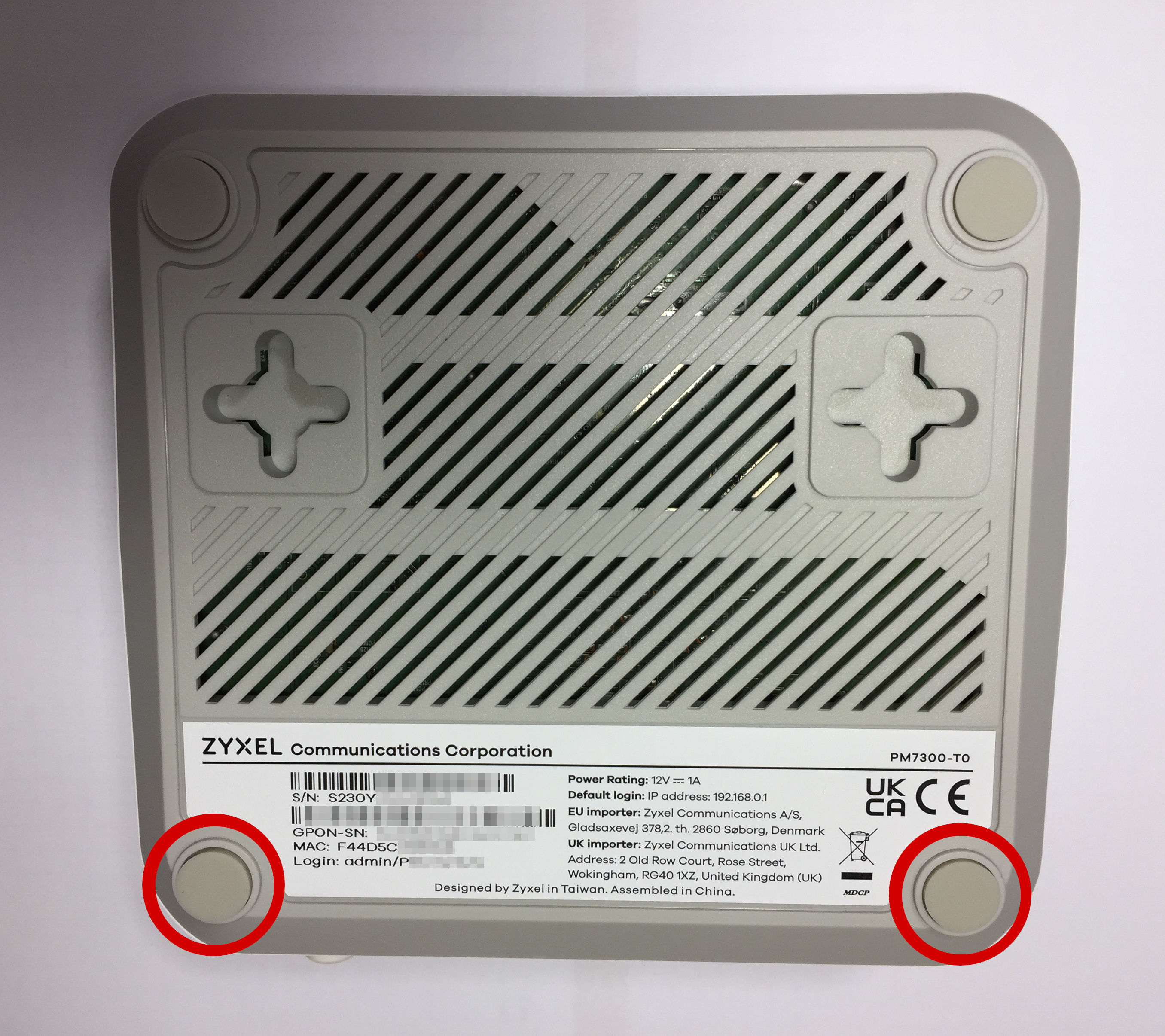
Hint
The GPON-SN on the sticker is not the same as you get from Get GPON serial number!
Unscrew the screws beneath the two encircled rubber feet. Then slide a plastic spudger/pry/case opening tool around to separate the top half from the bottom half of the case. Pay attention that the board does not fall out when the case splits!
Get GPON serial number
Connect via SSH (as admin):
ZySH> sys atsh
Firmware Version       : V5.42(ABYY.1.3)C0
Bootbase Version       : V1.44 | 04/12/2023  9:18:33
Vendor Name            : Zyxel Communications Corp.
Product Model          : PM7300-T0
Serial Number          : S230YNNNNNNNN
GPON Serial Number     : ZYXE8CAXXXXX
...
Alternatively, the command ATSH in the zloader bootloader can be used.
SSH
ssh -o HostKeyAlgorithms=+ssh-rsa admin@192.168.0.1Hint
The device only presents SSH host keys using SHA1 which is not accepted anymore since OpenSSH 8.8. If the connection fails add -o HostKeyAlgorithms=+ssh-rsa. Other SSH clients may behave similarly.
Serial
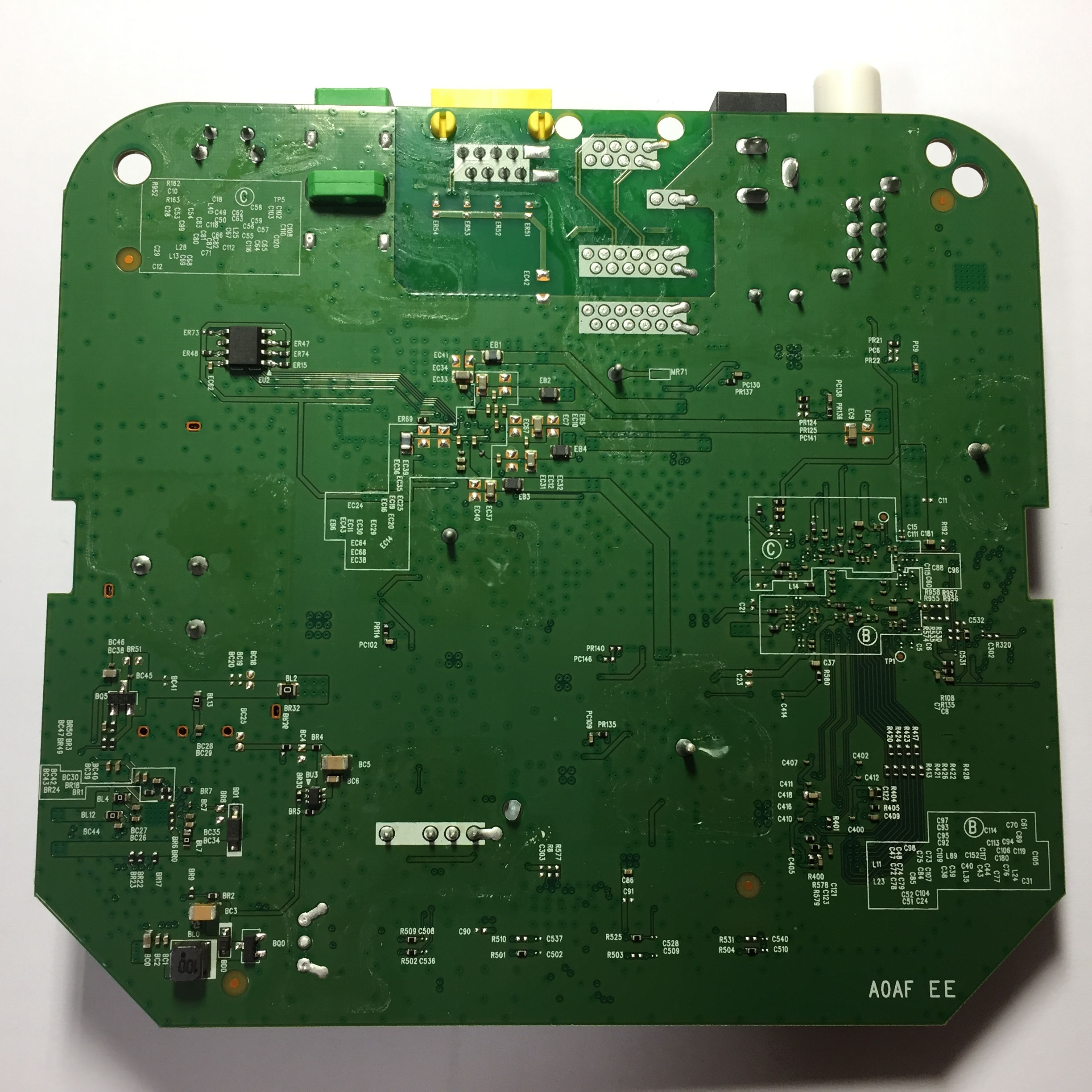
Follow the procedure in tear down to open the case, then connect a USB-TTL adapter to the pin header:
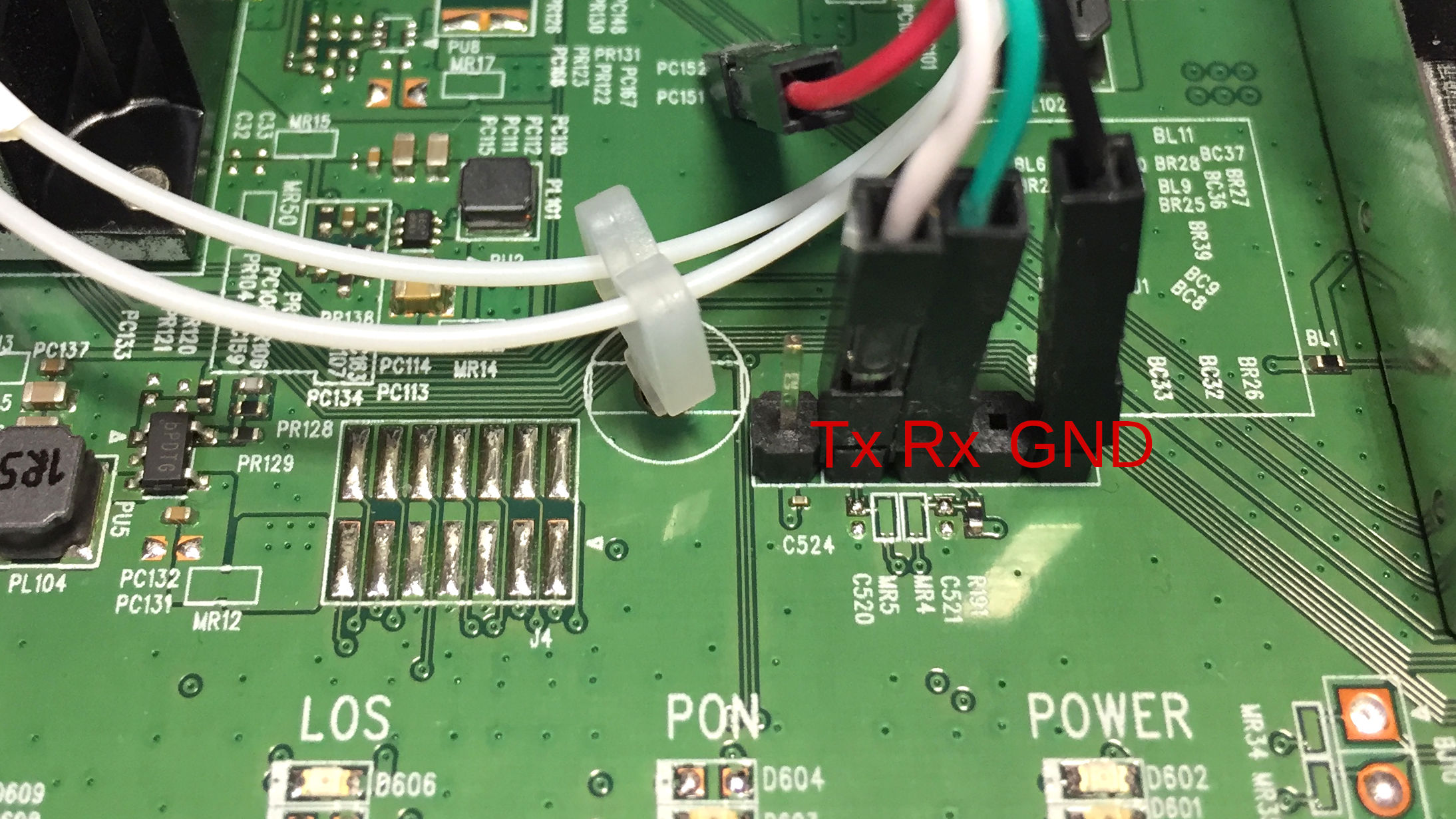
Hint
Some USB-TTL adapters label Tx and Rx pins the other way around; try to swap them if the connection doesn't work.
Baudrate: 115200 8n1